Reload Smart. Store Smarter!
|
|
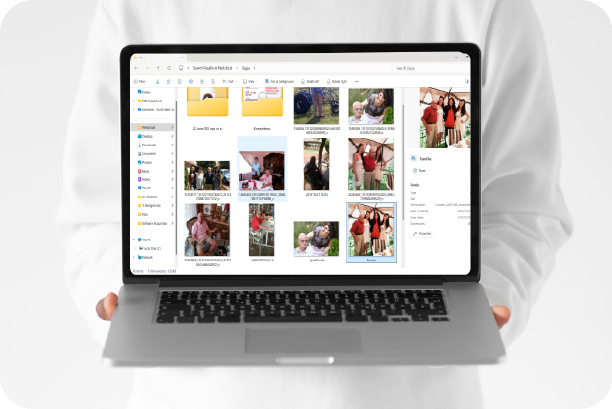
Whether you're preparing for a Windows 11 reload or just looking to protect your files, smart storage habits matter. From daily work to academic projects and personal memories, knowing where to store what can save you time, data, and stress, read more on storage.
|
|
Store Your Data Right in 3 Easy Ways
|
|
|
|
OneDrive: Store daily work files
|
|
Use for Outlook, Office, and general work documents.
|
|
|
|
|
|
|
Nextcloud: Store academic files
|
|
Use for research, departmental, and shared team data read more
|
|
|
|
|
|
|
Backup your personal data
|
|
Use a private device for photos, CVs, music, and notes.
|
|
|
|
|
|
|
|
Still on Windows 10? Now’s the perfect time to make the move to Windows 11!
|
|
|
|
|
Time Has Run Out for Win 10
|
|
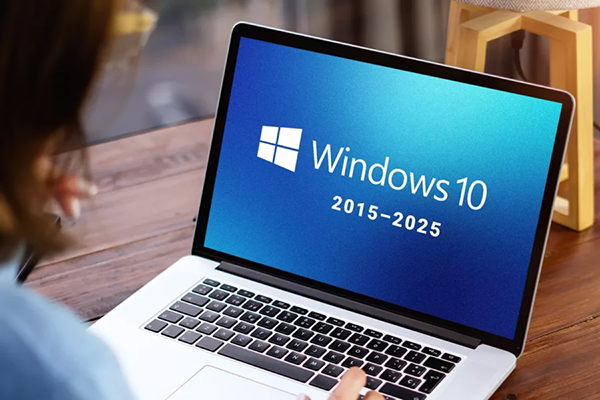
Windows 10 reached the end of support on 14 October 2025, meaning devices will no longer receive security updates or technical support.
|
|
|
Before upgrading, ensure all files are backed up to OneDrive or Nextcloud, as the reload will remove all local data. The upgrade is completed by NWU IT. For step-by-step guidance and support options, visit the Windows 11 FAQ page.
|
|
|
|
|
Looking for reload guidance? Now’s the perfect time to explore!
|
|
|
|
|
|
|
|
Interested in staying updated on IT news? Ensure you're always informed by subscribing.
|
|
|
|
|
|
|
|
|
|
Each campus has an IT Service Desk. For IT issues, log a fault or contact your campus IT Service Desk.
|
|
|
|
|
|
|
|
|
|
|
|