

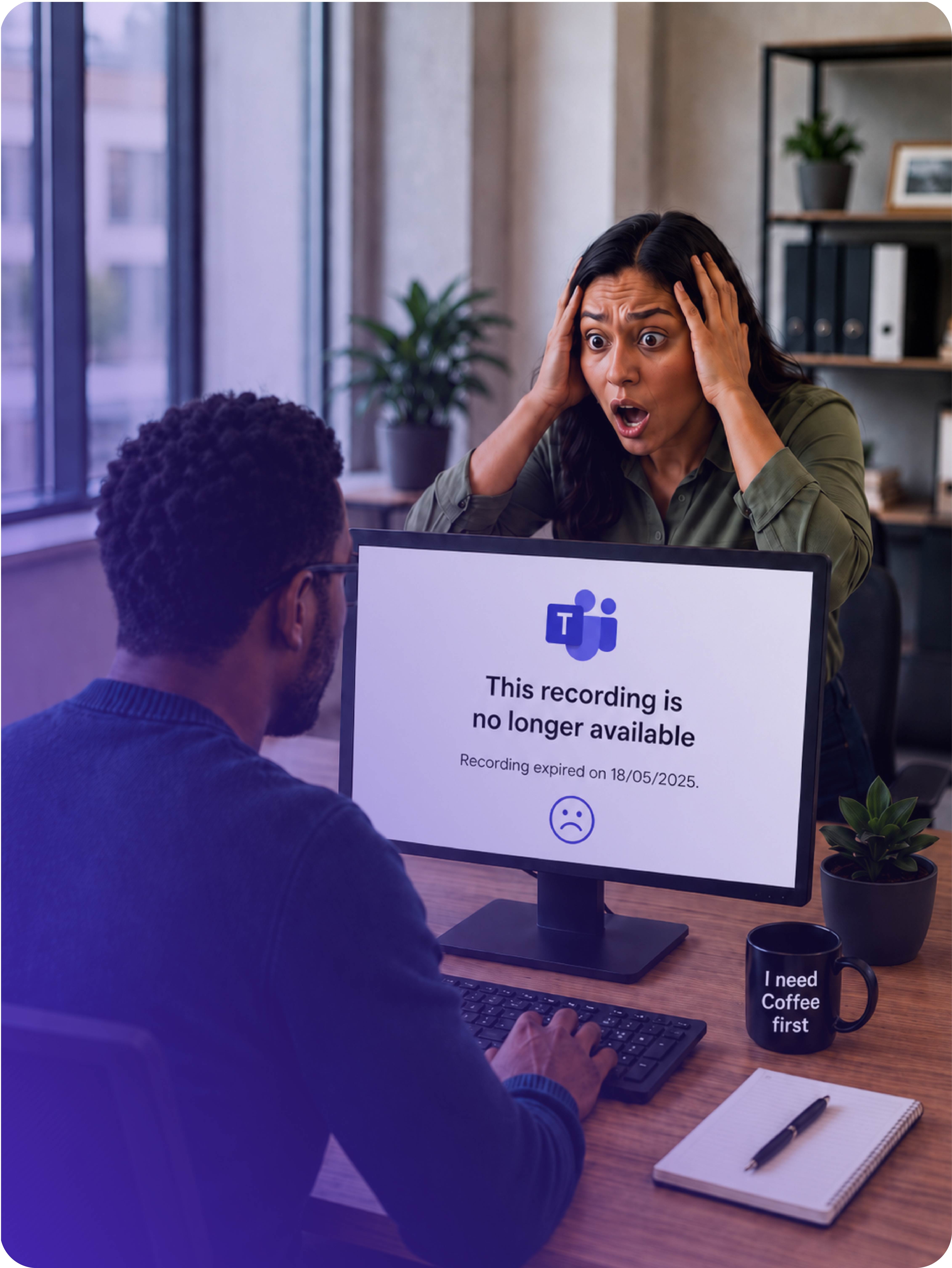
Save your Teams recordings before they expire!
Teams recordings are available for 30 days. If a recording must be kept, the meeting organiser should download it, upload it to Nextcloud, and share it with the relevant people.
Important to know
Only the person who created or organised the Teams meeting can download the recording.
What should the meeting owner do?
 Step 1 Download the Teams recording • Open Teams |  Step 2 Upload the video to Nextcloud • Open Nextcloud |  Step 3 Share with your colleagues • Select the share option |
 View Steps
  View Steps
  View Steps
Please remember
Do not wait until the recording is close to expiry. Download and upload important recordings as soon as possible after the meeting.
Follow usInterested in staying updated on IT news? Stay informed by subscribing.
| Contact usEach campus has an IT Service Desk. For IT issues, log a fault or contact your campus IT Service Desk. Talk to us |